Roles: Administrator & Employee | Interface: Web & Mobile
To improve clarity and streamline asset management, Containers and Kits, previously grouped under a single subtype, have now been separated into two distinct subtypes. This change eliminates confusion in workflows, enhances reporting accuracy, and introduces better control across the system.
This article covers everything you need to know about the update: what’s changed, how it affects your processes, and where to find more details.
Introducing Kits, a new asset sub-type for web interface
Introducing Kits, a new asset sub-type for mobile application
Overview of the change
-
A new asset subtype called “Kit” has been introduced.
-
The existing subtype “Container/Kit” has been renamed to “Container”.
- This change enables clearer classification and management of storage assets.
Asset creation and update changes
The Add Asset and Edit Asset pages now display four subtypes under Storage Asset:
- Container
- Kit
- Heavy Equipment
- Van
For Web (Add Asset)
For Web (Edit Asset)
Mobile View:
Asset list view
- “Kit” is now visible in Asset List View and Asset Details page, check on both mobile and web views.
Web View and Web Smart map view:
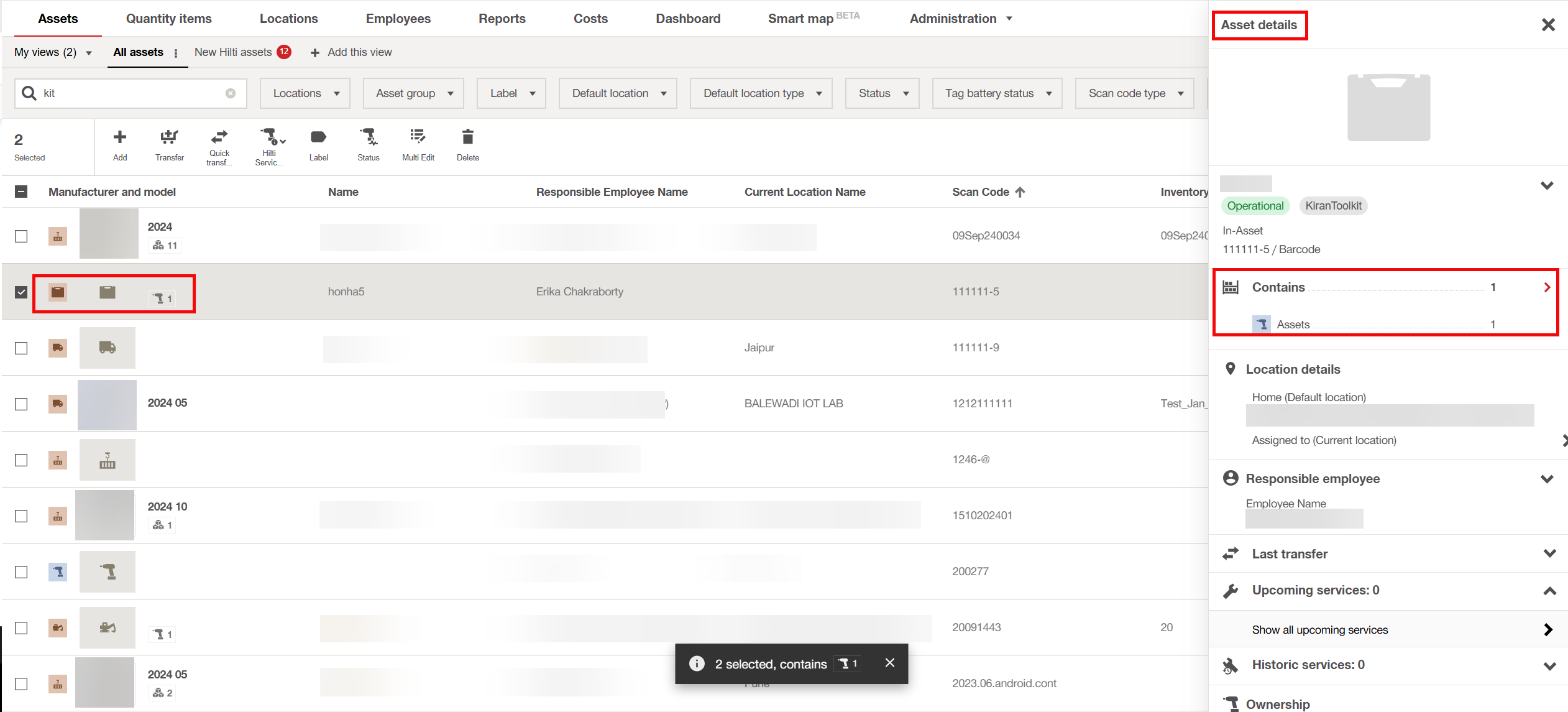
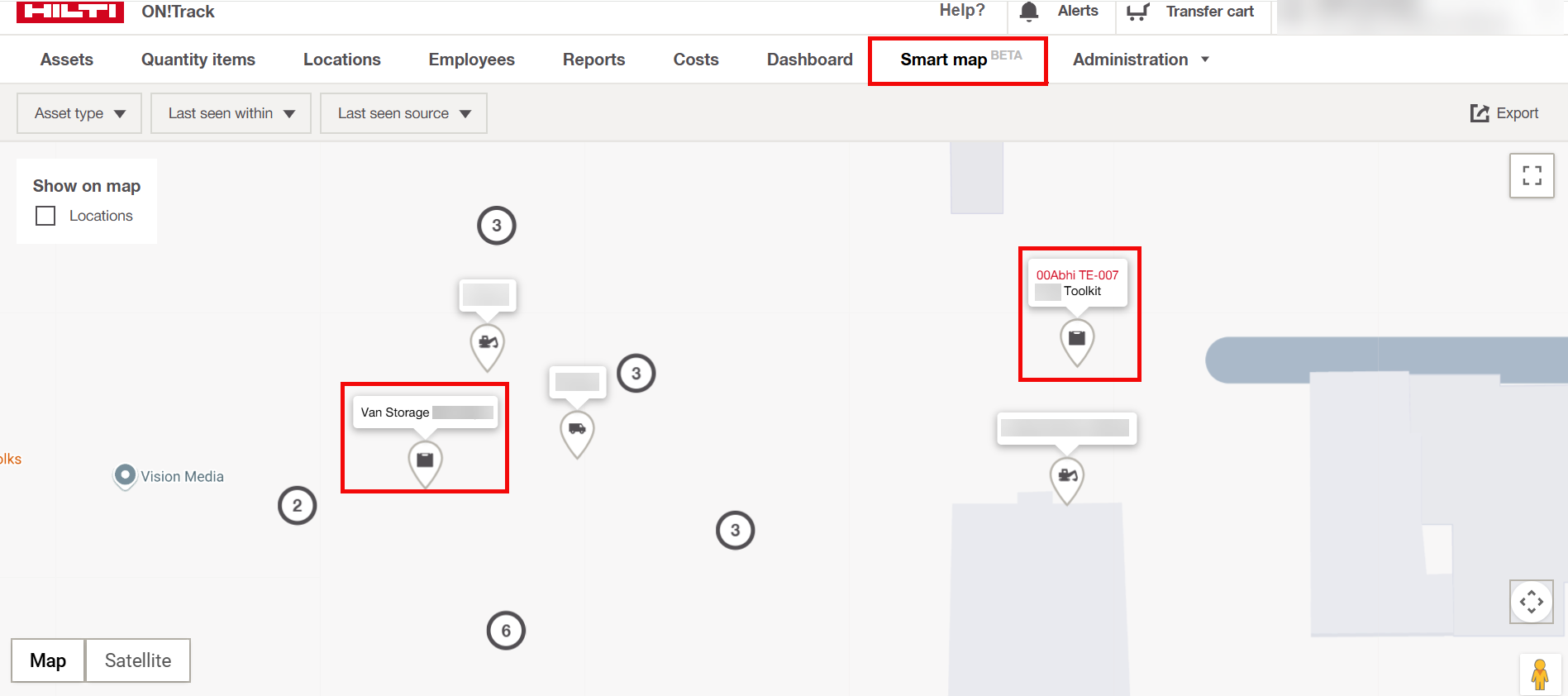
Mobile App View and Mobile Smart Map View:
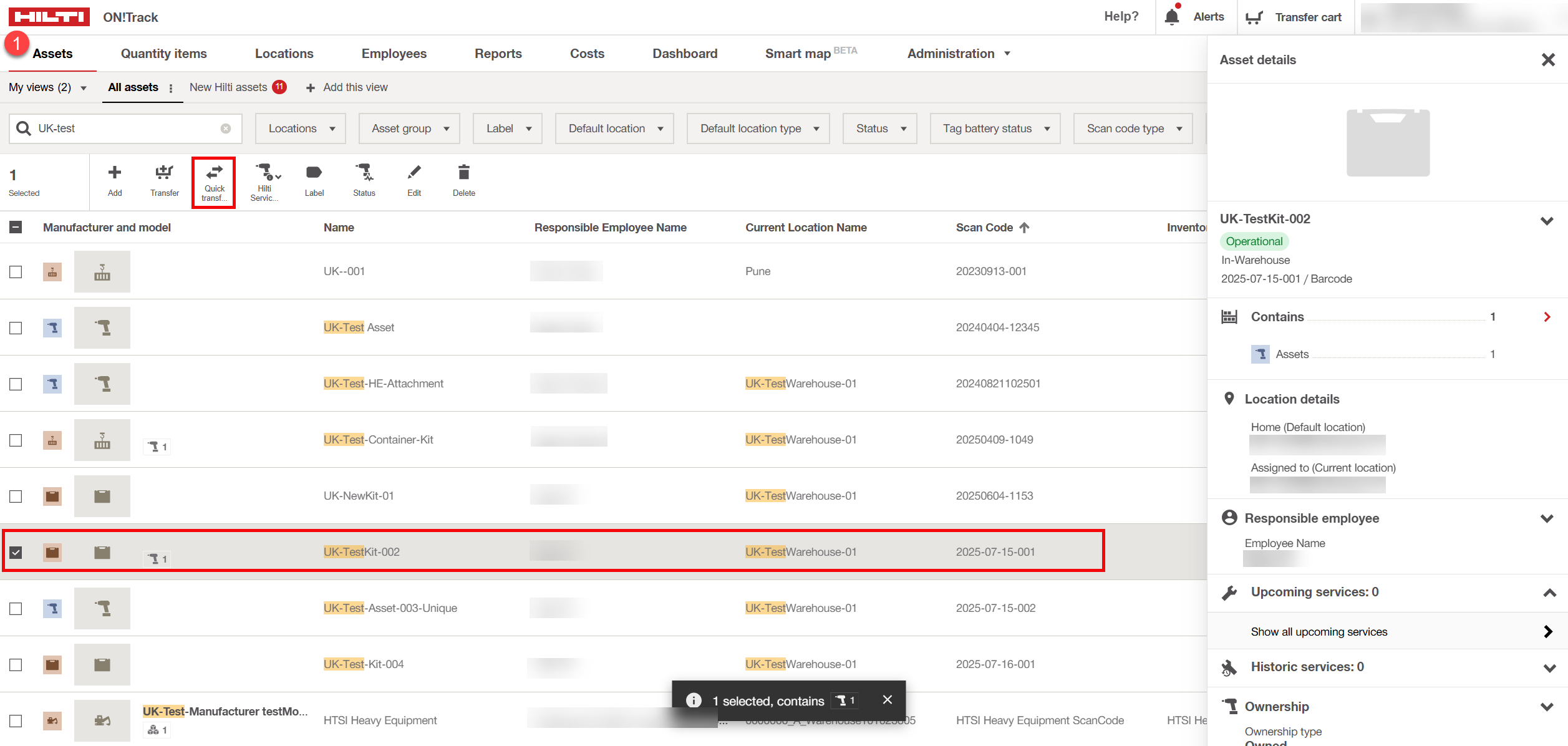
Transfer restrictions
- A new validation is added during the Transfer process.
- If the asset subtype is Kit, then an asset of type Gateway Asset cannot be transferred to this storage asset.
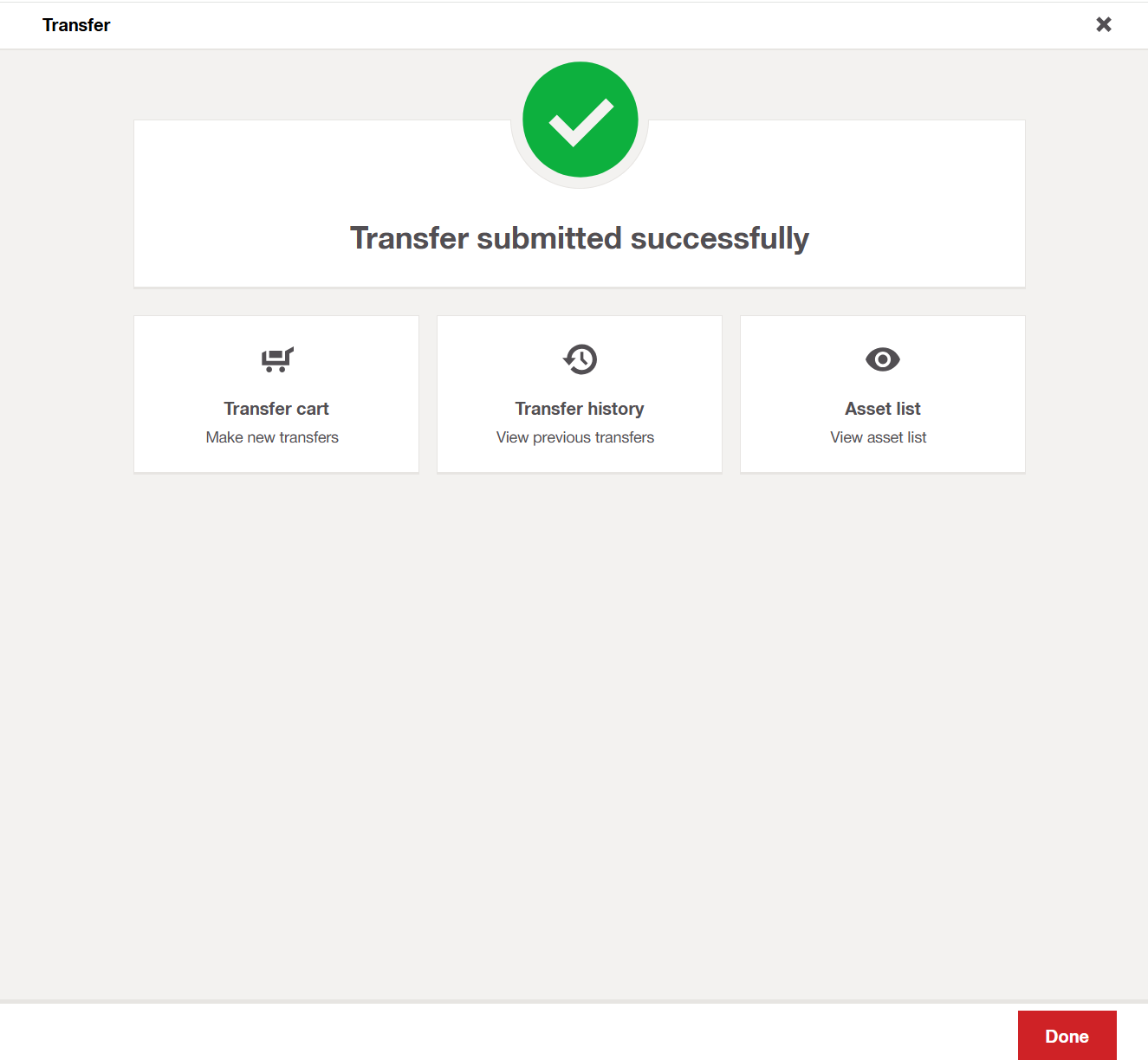
Transfer cart (web view)
Quick transfer (web view)
Bulk Import and -Export updates
The new asset subtype is now included in all relevant import templates:
- Ownedassets_template
- Fleetassets_template
- Loanedassets_template
- Rentedassets_template
Import
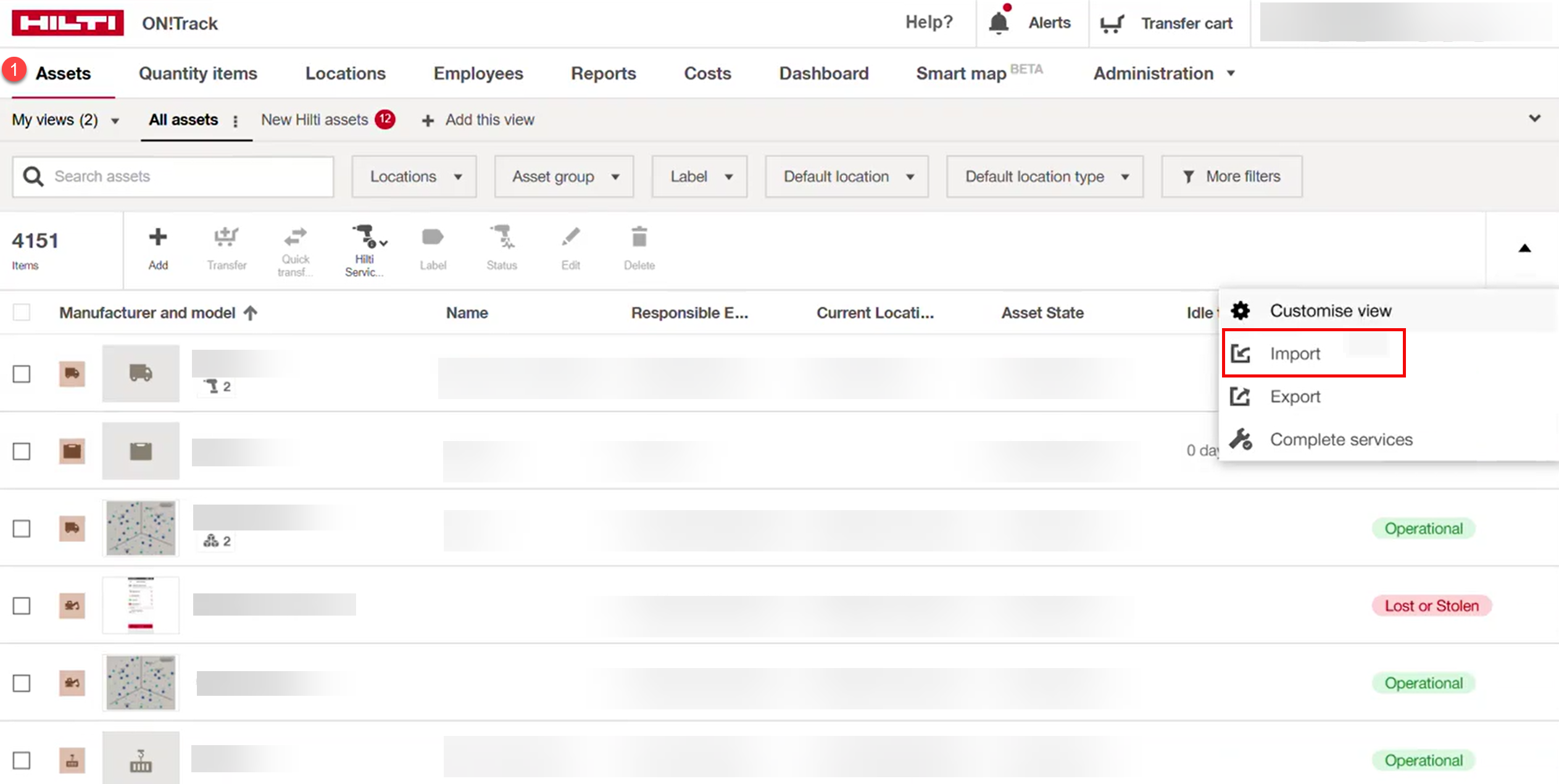
Export
Note: The Hiltiasset_template is excluded as it does not contain columns for Asset Type or Asset Subtype.
Migration of existing assets
- All existing assets previously labelled as “Container/Kit” have been automatically migrated to the new subtype “Container”.
Asset filters and Smart Map enhancements
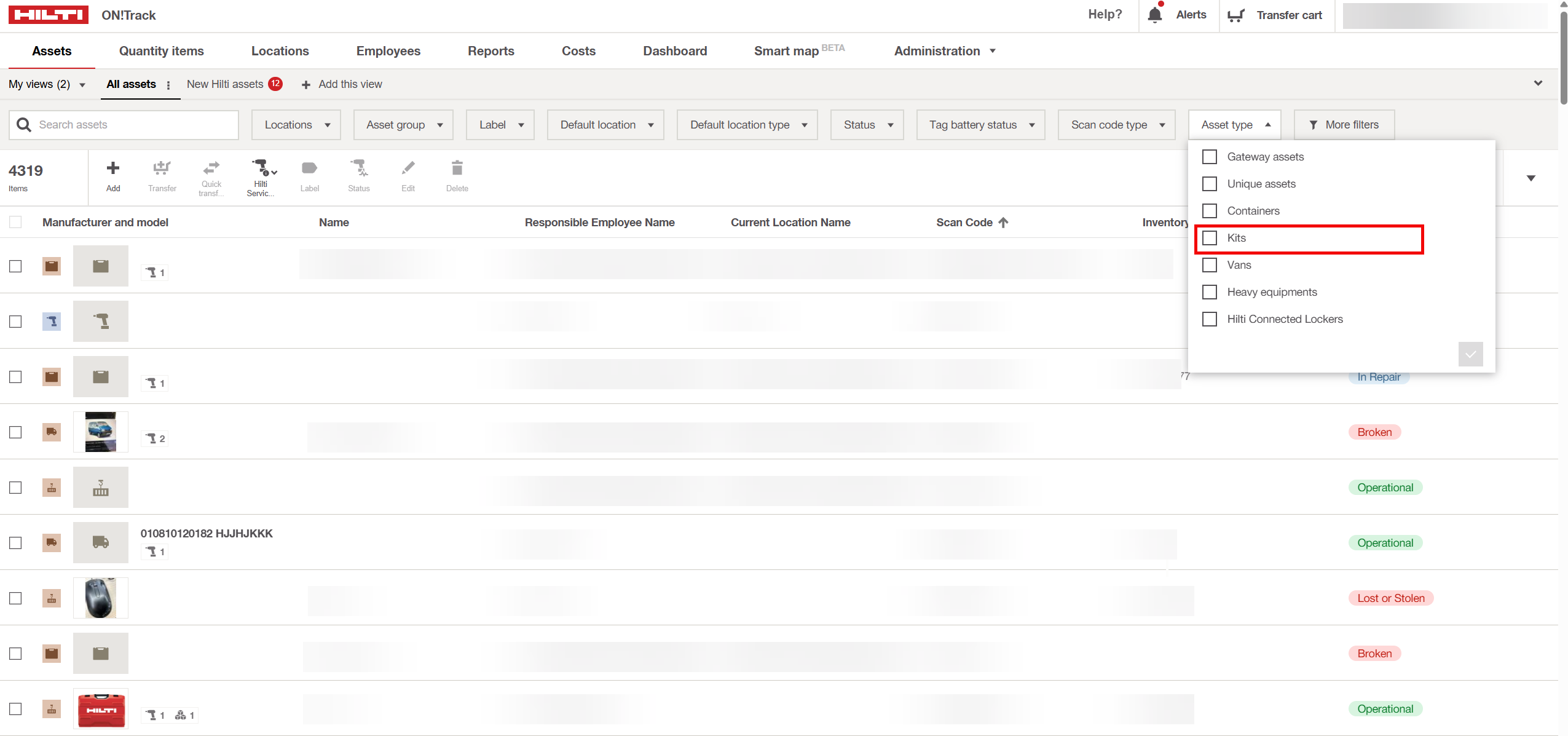
The Asset Type filter on both the Asset List and Smart Map pages now includes the new subtype “Kit”.
Web View:
Mobile View:
Mobile Smart Map View:
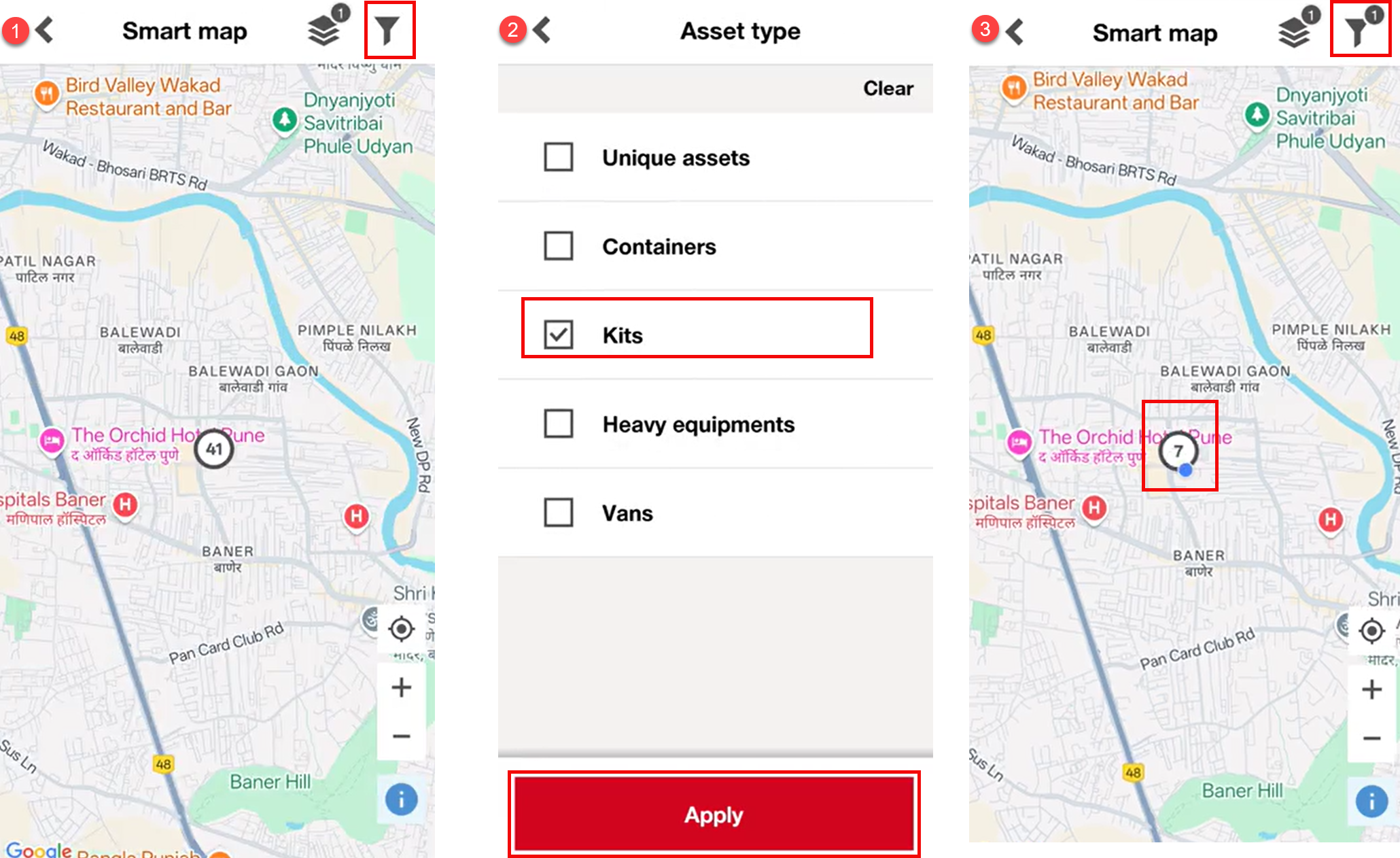
- The Export functionality from both pages also reflects the new Kit subtype.
Summary of key impacts
| Area | Change Description |
|---|---|
| Asset Subtypes | “Kit” added, “Container/Kit” renamed to “Container” |
| UI Updates | Add/Edit pages show 4 subtypes |
| Transfer Rules | Gateway assets cannot be transferred to Kits |
| Bulk Templates | Kit subtype added (except Hilti template) |
| Data Migration | Old “Container/Kit” assets moved to “Container” |
| Filters & Exports | Kit subtype is now visible and exportable |
To learn more details about handling kits in Smart Inventory, please refer to: Introduction to Handling Kits in Smart Inventory
To learn more details about how kits work with automated transfer functionality, please refer to: How Kits work with Automated Transfer functionality
Related to